Using free Making Tax Digital software? Taxsy handles the receipts. It reads them, files them by tax year, and gives you a spreadsheet each quarter for whichever MTD software you file with.
For iPhone and iPad · Ten scans free, then one paymentFree MTD software files your quarterly updates. Taxsy reads and keeps the receipts behind them, without another monthly subscription.
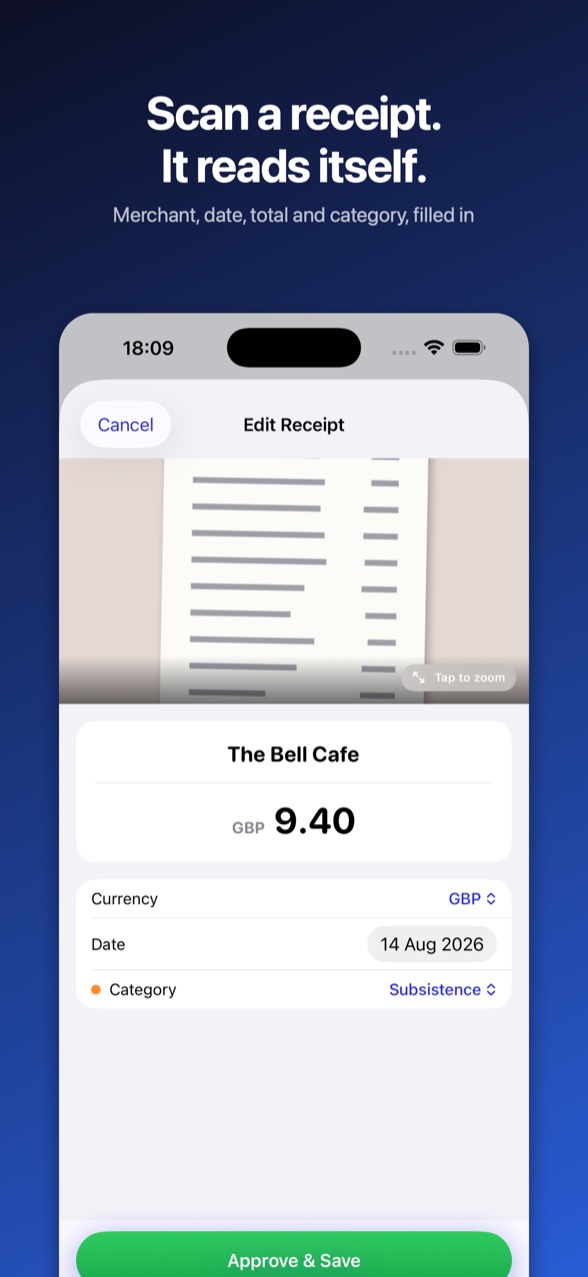
Point the camera at a receipt, or screenshot your banking app. Merchant, date and amount are filled in for you.
Pick the MTD quarter, standard or calendar, and get a spreadsheet plus every receipt photo. Each quarter's filing deadline is shown.
Bring the totals into whichever MTD software you use, or hand the export to your accountant. Taxsy doesn't file anything with HMRC itself.
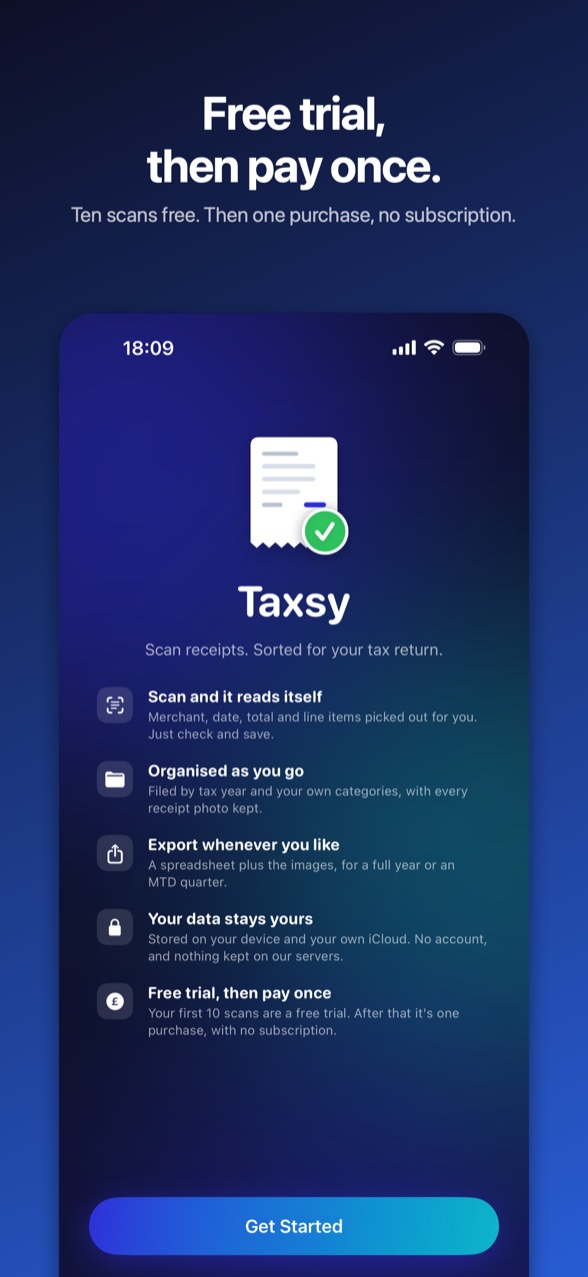
Your first ten scans are free, so you can see how it reads your receipts before you spend anything. After that, buy Taxsy once and it's yours. Scan one receipt a week or twenty a day, the price is the same.
Most receipt apps either bill you every month or meter how much you can scan. Taxsy does neither.
Built for sole traders and freelancers who'd rather be doing the actual work.
Merchant, date, total and individual items are picked out automatically, so you're checking rather than typing.
Screenshot your banking app or Apple Wallet and each payment becomes its own record, with its date. Money coming in is left out.
Split a mixed receipt by unticking the personal items. The total updates as you go.
Pick your line of work and start with categories that fit: musician, builder, driver, photographer and more. Change any of them.
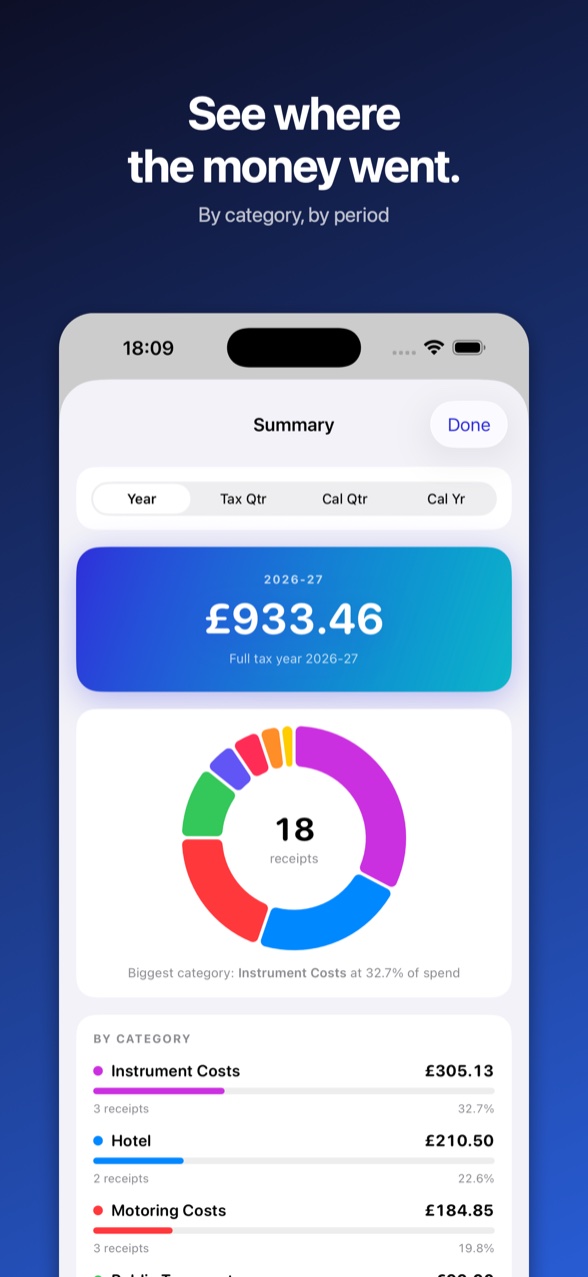
Records are filed by tax year with the image attached, so you keep the evidence as well as the numbers.
Scanned something abroad? In the UK Taxsy converts it at HMRC's official monthly rate. Everywhere else it uses the European Central Bank's rate for the day. Either way it shows the rate it used.
Export a full tax year, a calendar year, or a Making Tax Digital quarter, with each quarter's filing deadline shown.
Ireland, the US, Canada, Australia and New Zealand are built in, each with its own tax year and currency. Anywhere else, choose when your tax year starts and the currency you work in.
Stored on your device and in your own iCloud, syncing across your devices. No account, and nothing kept on our servers.
Your first ten scans are free. After that it's one purchase, with no subscription, no per-scan charge, no adverts, and no limit on how much you scan.
I'm a musician, not an accountant. Boxes of receipts, and a day ruined every January sorting them out, and with Making Tax Digital that's now every three months. All I wanted was to photograph a receipt, have it read the details, and get a spreadsheet at the end of it. No subscription, no account. I couldn't find an app that just worked, so I made Taxsy.
Peter
The support page covers exports, categories, foreign currency and getting your data out.
Visit support